Remote work has become a permanent part of our professional lives. Whether working 100% from home or just a few days a week, the quality of your workstation plays an essential role: comfort, productivity, health, and ease of use. After several years of experimentation, here's a tested and approved setup that allows you to work efficiently without breaking the bank, while protecting your body from poor posture.
The Dual Monitor Illusion: Between Comfort and Constraints
Many professionals believe that two monitors are essential for working effectively. It's true that having extended screen space makes task management easier:
- one screen for email and video conferencing,
- another for production (documents, business software, browsing).
However, this solution isn't always as ideal as it seems:
- a laptop often has only one HDMI port: you need to buy an additional adapter, which can be unstable.
- you need two cables, two power outlets, and the investment in two monitors.
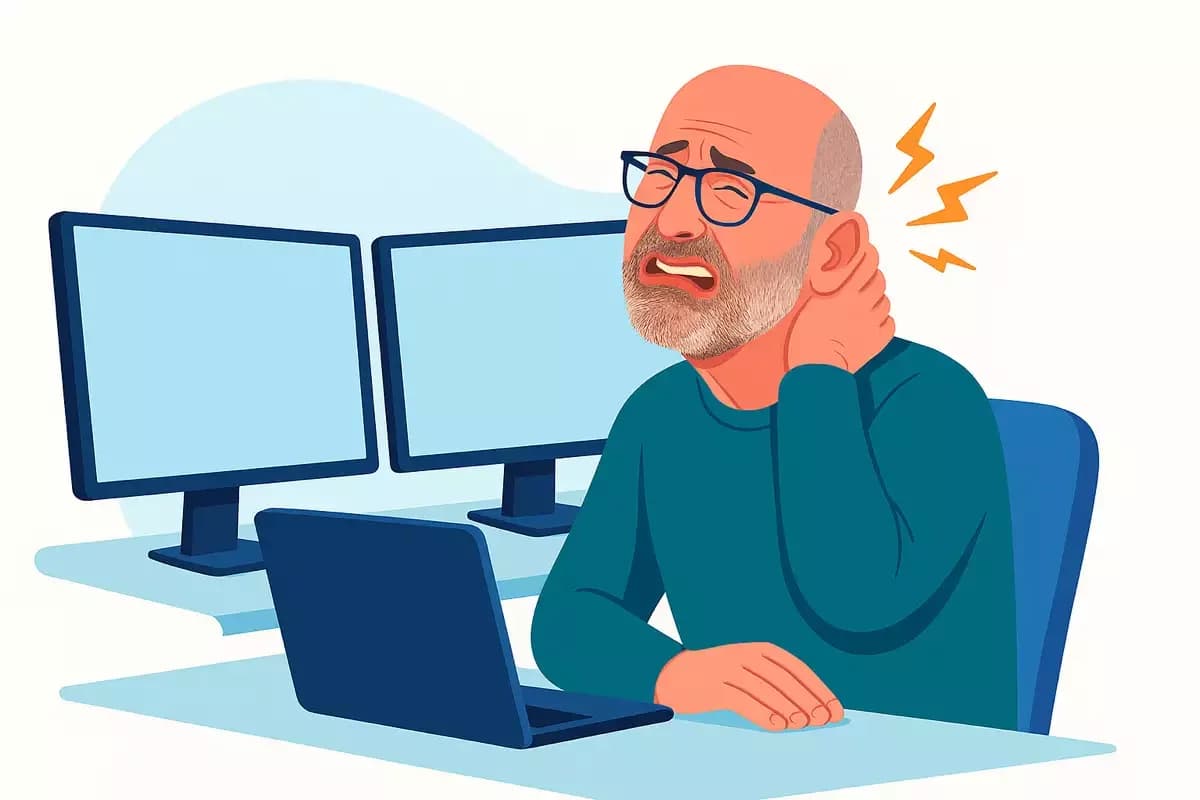
- most importantly, posture is rarely optimal: you're constantly turning your head from left to right, which eventually creates neck tension and pain.
The Trap of Overly Ambitious Setups
Some go even further by installing three or more monitors. In certain professions (trading, graphic design, video editing), this solution may be justified. But for most professionals, it's an unnecessary overkill.
The more monitors you have, the heavier, more expensive, and more complex the setup becomes. And paradoxically, the more windows you multiply, the more productivity decreases because the brain must constantly switch from one piece of information to another.
The Alternative Solution: An Ultrawide Monitor
After several tests, one solution stands out: the ultrawide monitor.
It's essentially like having two monitors in one, but centered in front of you. Result:
- a single HDMI cable,
- simplified installation,
- your neck stays straight, no more turning your head constantly.
You keep the comfort of two screens, but with the simplicity of a single device.
The Main Screen and Laptop as Complement
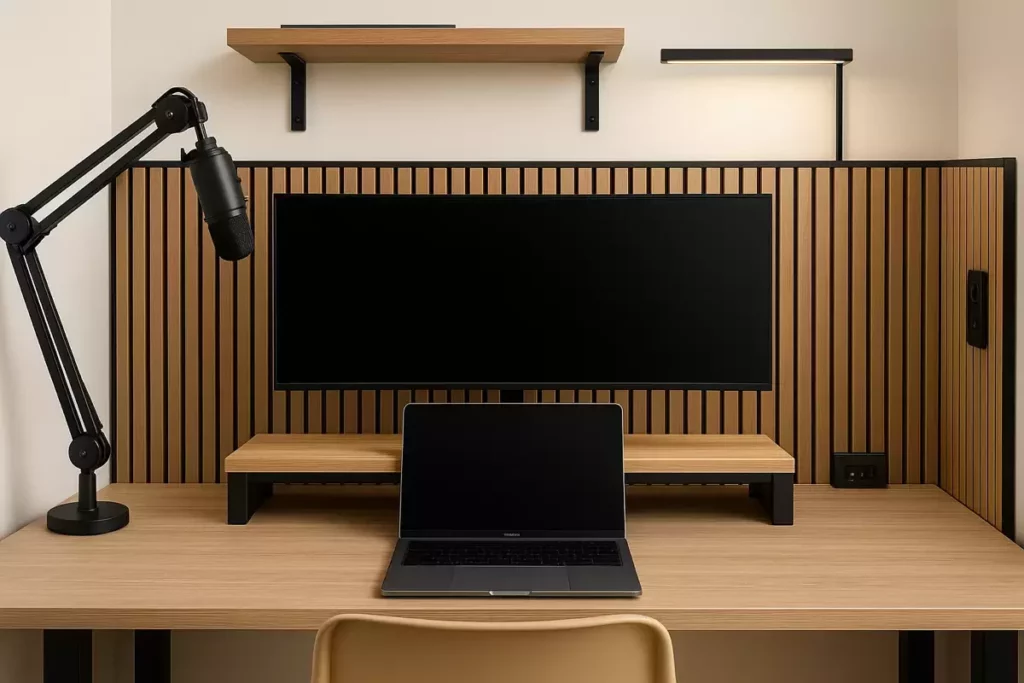
The trick is to place the ultrawide monitor above the laptop.
This way, you benefit from two screens:
- the large monitor, for the main part of your work,
- the small laptop screen, for secondary applications.
This setup offers several advantages:
- head movements are up and down rather than left to right, which is much more ergonomic.
- in video conferences, you can share only the laptop screen. This is very practical: you avoid accidentally revealing a personal window (like a chat or private note), and the display is clearer for participants.
The Importance of Good Lighting
Another often overlooked point: lighting.
Rather than using a standard lamp that shines directly on the screen (creating tiring reflections), it's better to opt for a lamp pointed at the wall or ceiling. The light reflects, becomes softer, and relieves eye strain during long workdays.
Sound Comfort and Video Call Quality
With remote work, video conferences multiply.
A simple built-in microphone isn't always enough: the voice is muffled, the sound quality mediocre.
The ideal is to invest in an external microphone on an articulated arm.
- The sound is clear and professional,
- the microphone positions easily at the right height,
- and it doesn't clutter the workspace.
A Compact and Optimized Setup
The ideal configuration can fit in a small space and remain aesthetic.
Some tips:
- place the monitor on a platform to raise viewing height, and store the laptop underneath when not in use,
- integrate decorative wood or fabric panels that add warmth, but also some sound insulation,
- add a built-in power strip with USB ports to simplify connections,
- plan a discreet drawer for small accessories.
All of this can be done for less than $200 (excluding the monitor cost), proving that a comfortable workstation doesn't require a big budget.
Ergonomics and Health: Long-term Benefits
A well-designed workstation isn't just about immediate comfort. It's also an investment in your health:
- less neck and back pain,
- less eye fatigue,
- less stress related to video calls and poorly organized tools.
By improving your setup, you gain not only well-being but also productivity.
Conclusion: Simplicity, Comfort, and Efficiency
The perfect remote workstation setup isn't necessarily the most expensive or the most complex.
On the contrary, the best configuration is often the most simple and centered:
- a well-positioned ultrawide monitor,
- the laptop as a complement,
- good lighting,
- a quality microphone,
- and a few ergonomic tips.
Result: a compact, aesthetic, efficient setup that's pleasant to use every day.